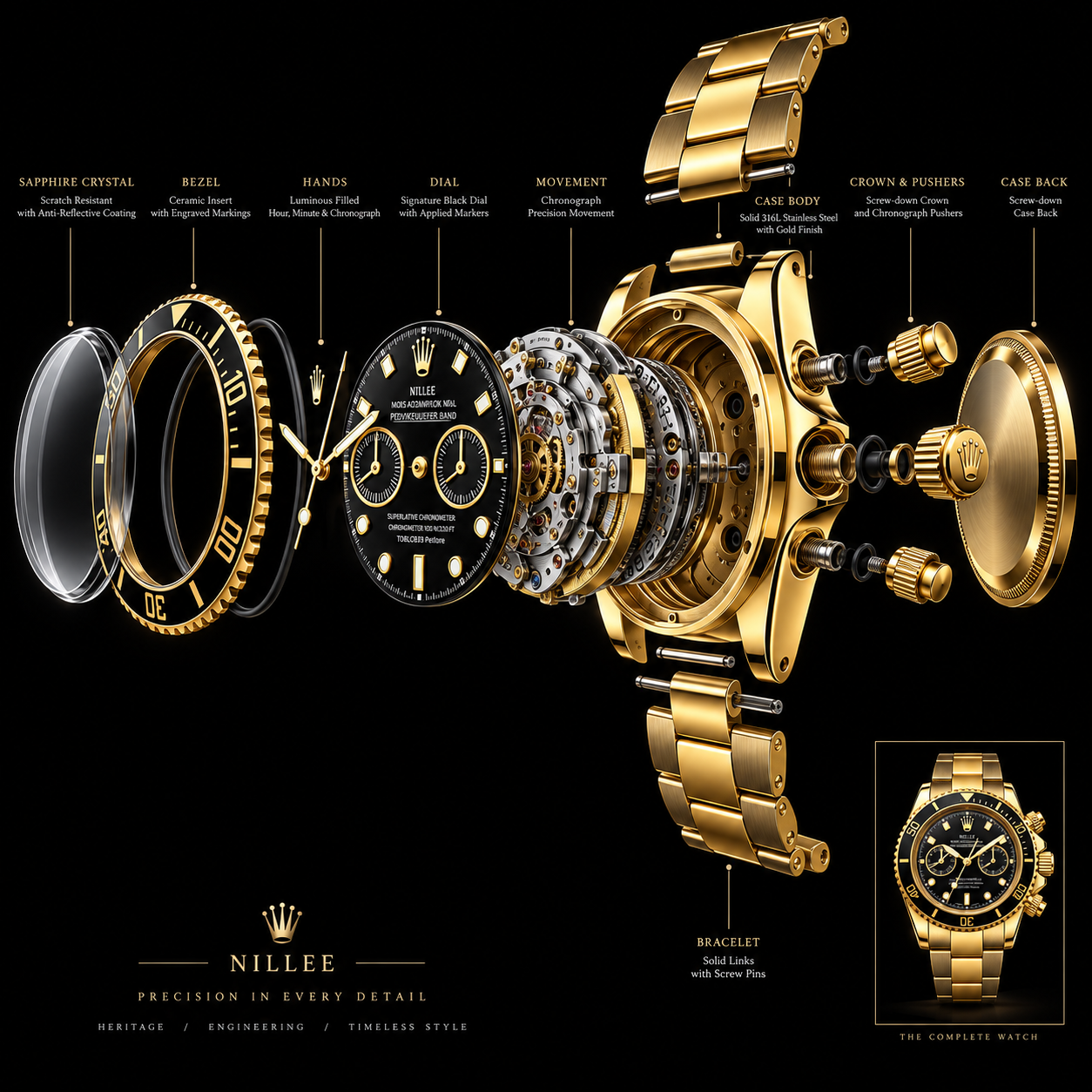
Vista explotada
/exploded viewPartimos de una misma imagen y cambiamos únicamente la instrucción visual. Así puedes comprobar, de forma inmediata, cómo un comando transforma el resultado.
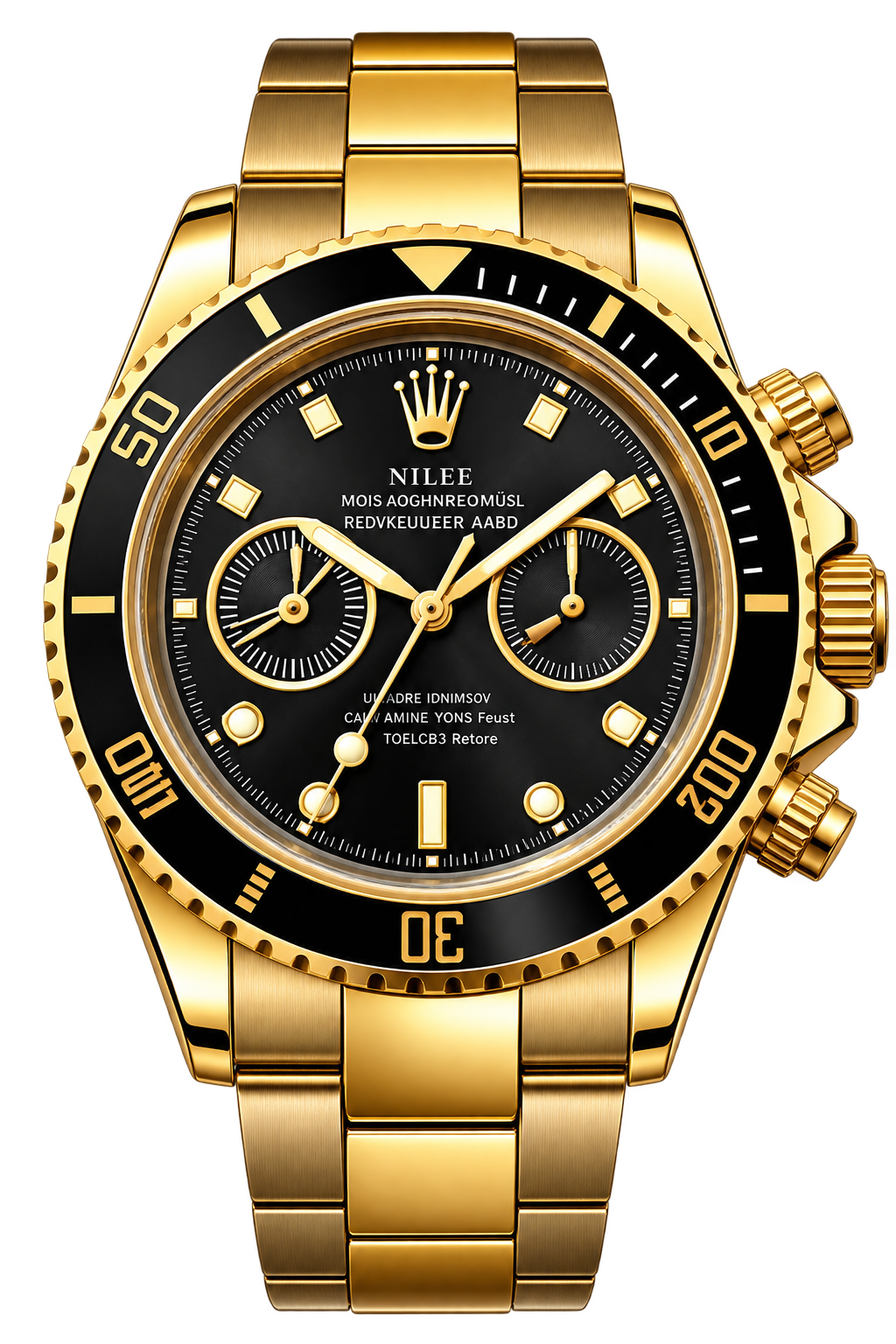
Esta es la fotografía inicial. A partir de ella se aplican diferentes comandos visuales, manteniendo el mismo objeto como referencia.
/exploded view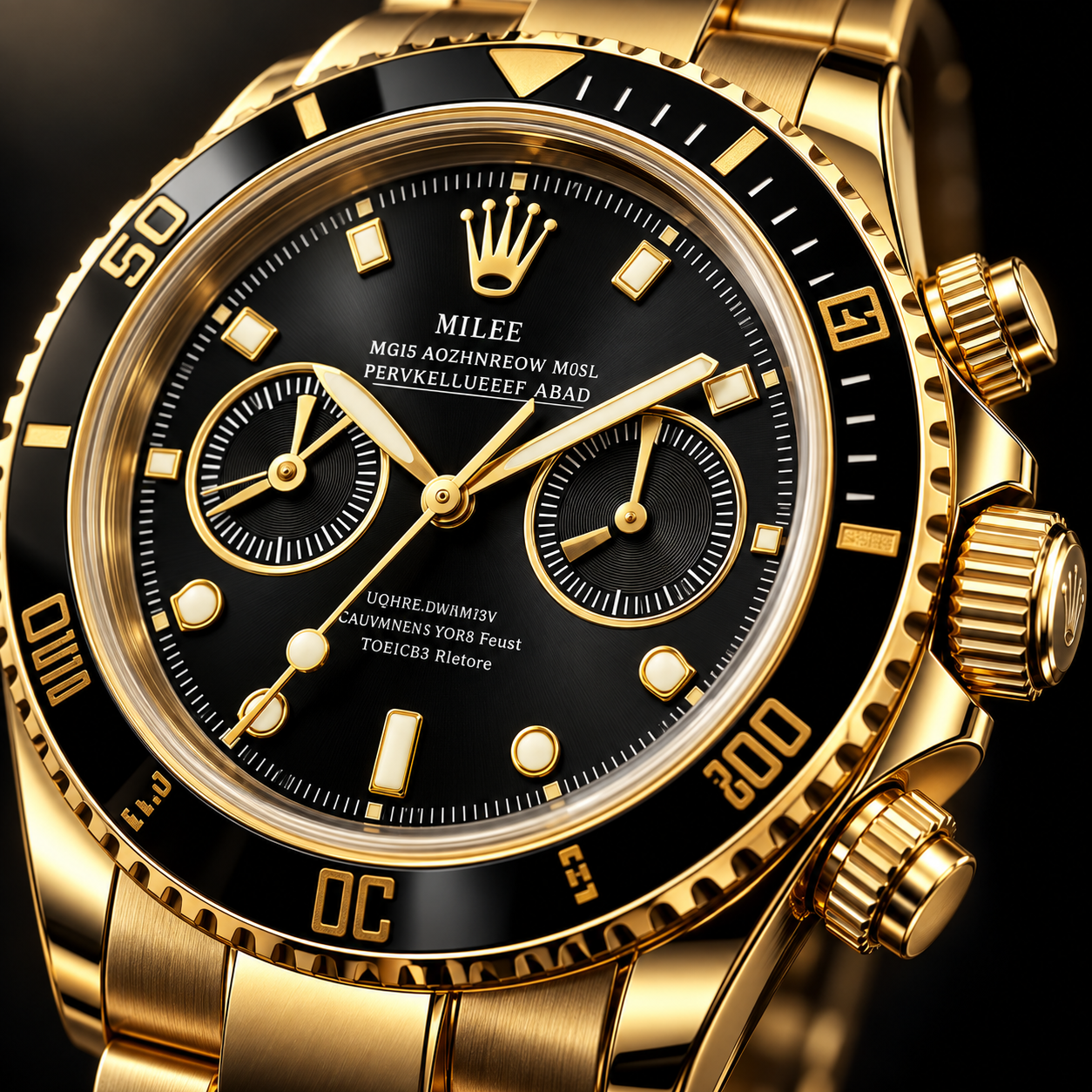
/macro product shot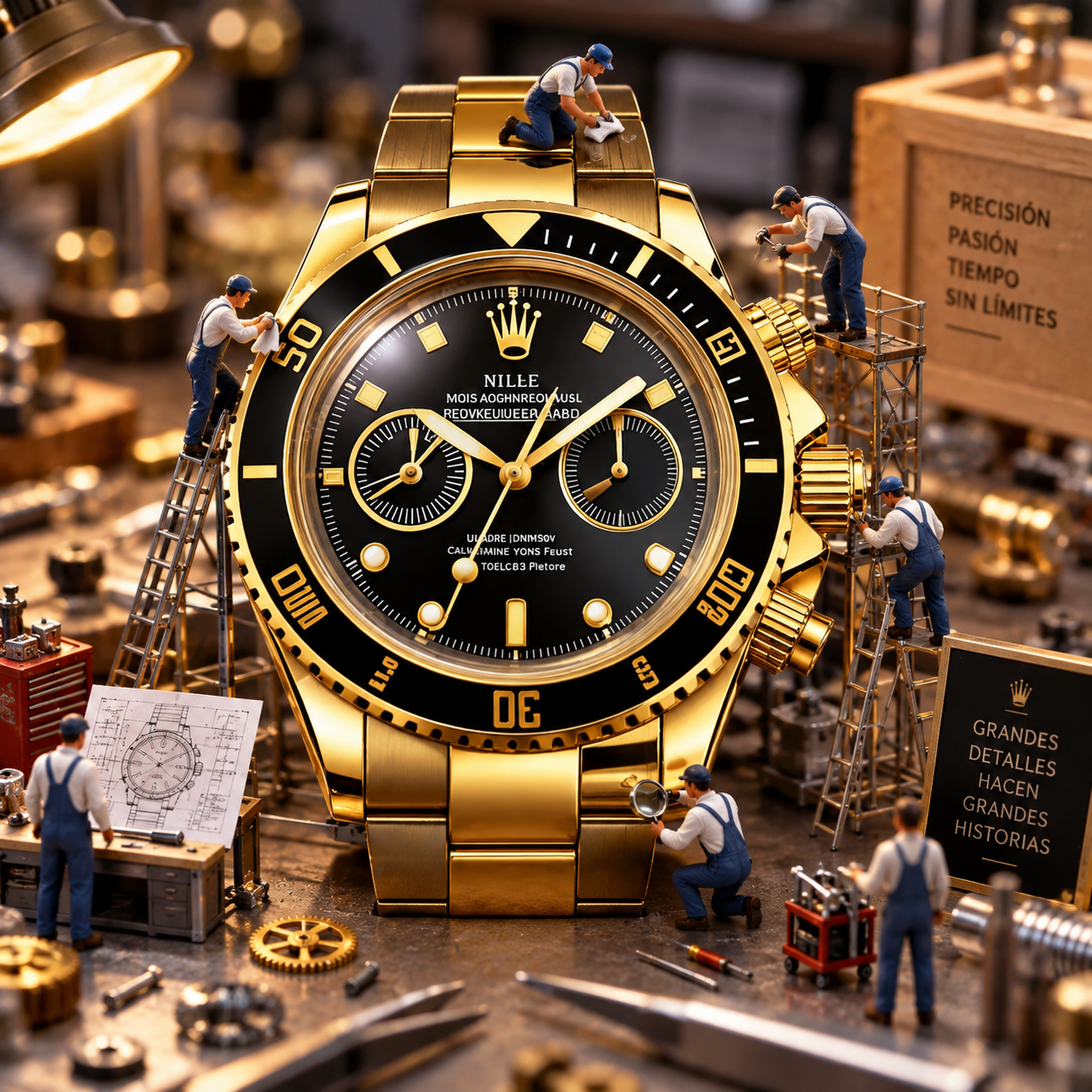
/miniature diorama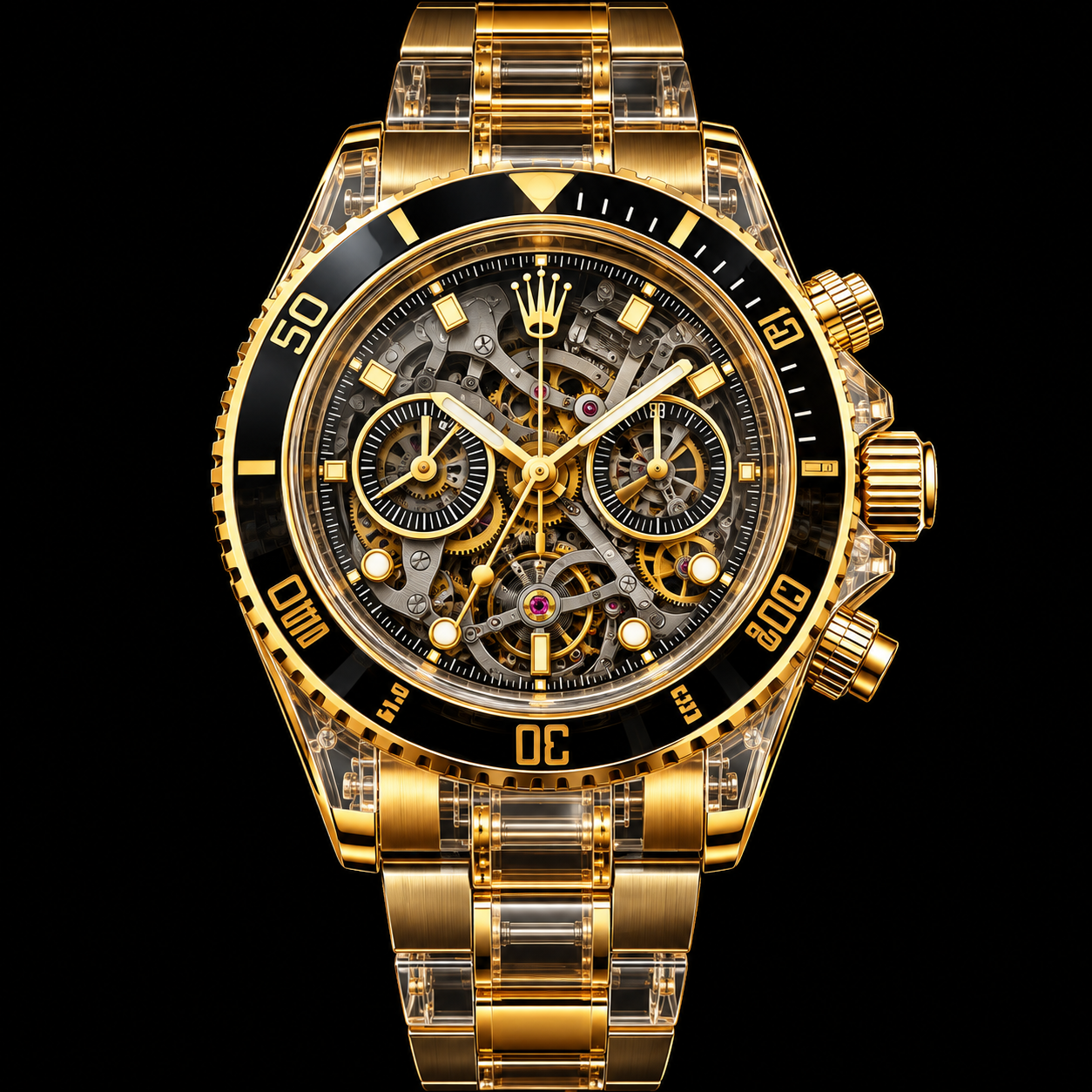
/transparent view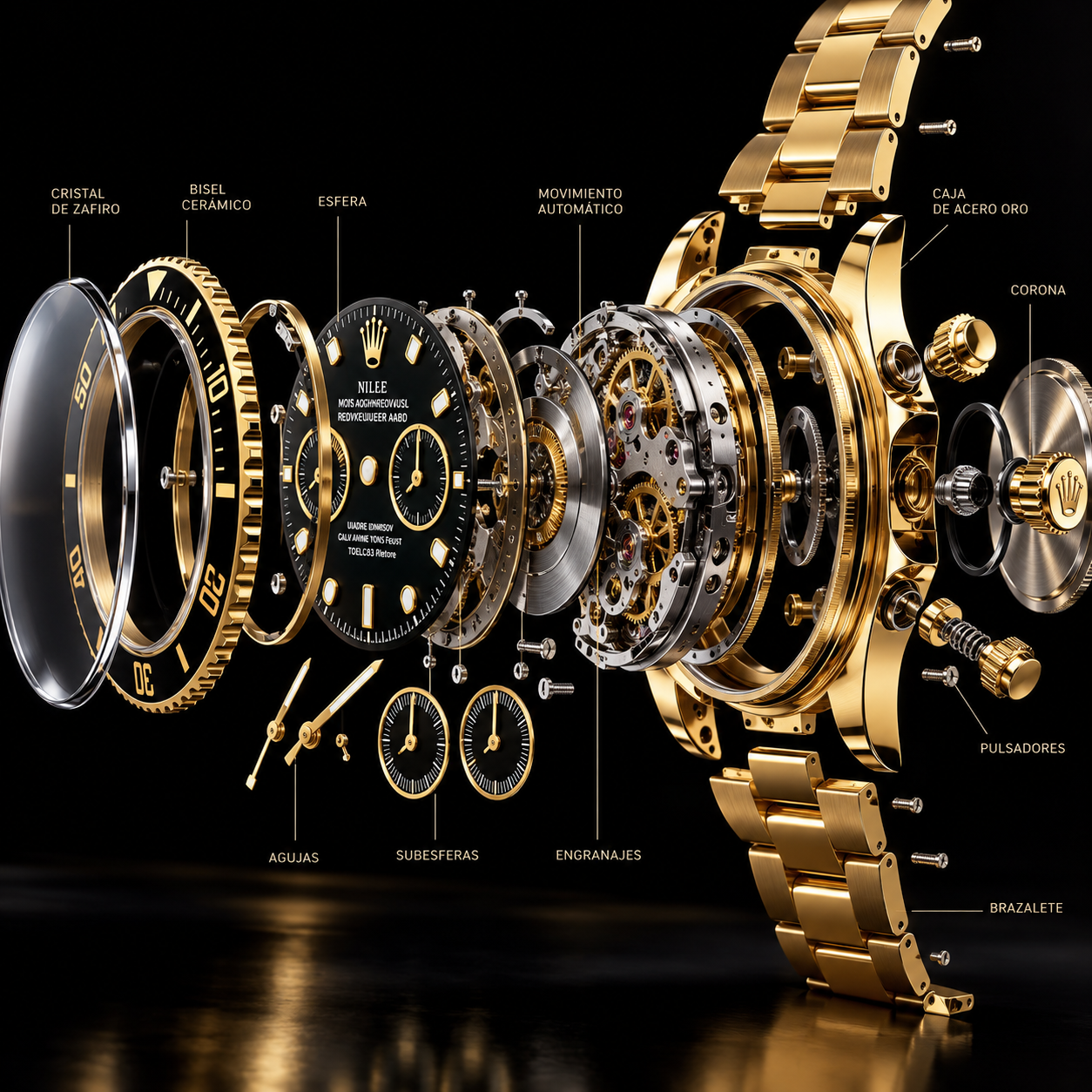
/exploded view + internal components + realistic materials + studio lighting + black backgroundUna imagen empresarial también puede reinterpretarse con comandos visuales. Aquí partimos del mismo mapa estratégico y probamos distintas instrucciones para mejorar estructura, claridad y estilo ejecutivo.
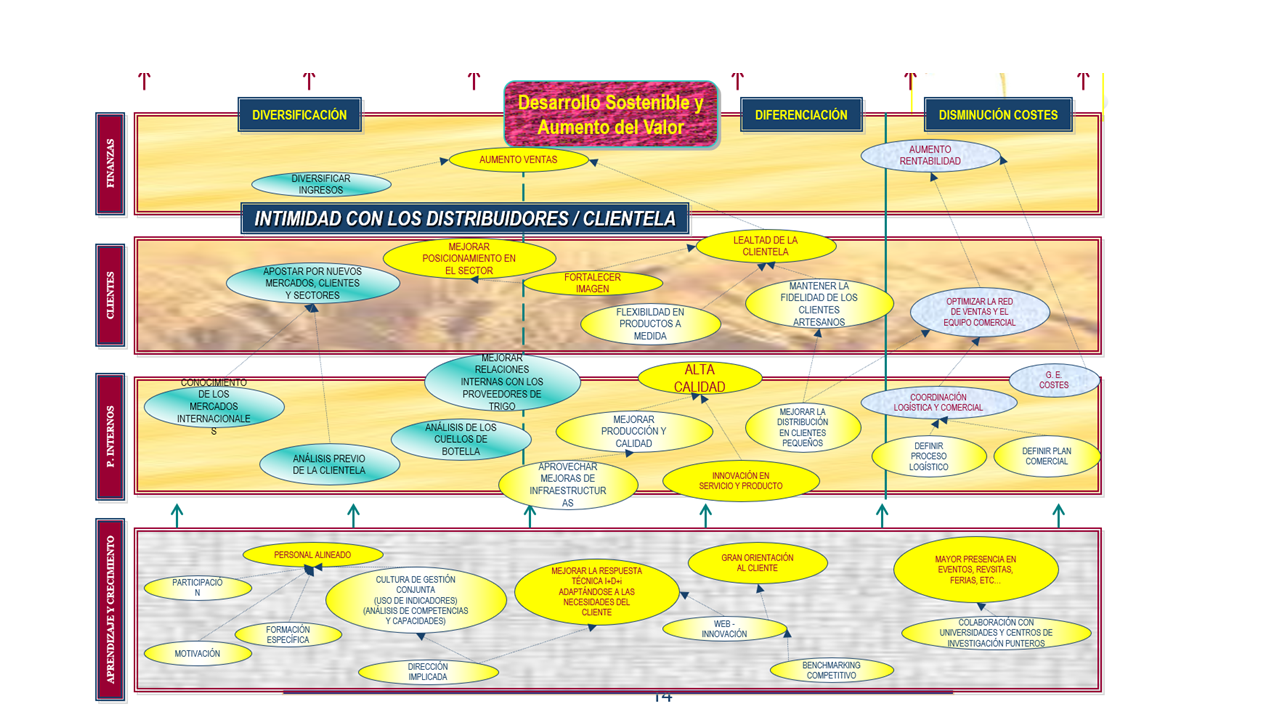
Haz clic en cualquier imagen de este ejemplo para abrirla en grande y revisar los detalles. Los resultados muestran cómo una sola instrucción o una combinación de modificadores puede cambiar de forma notable la presentación ejecutiva.
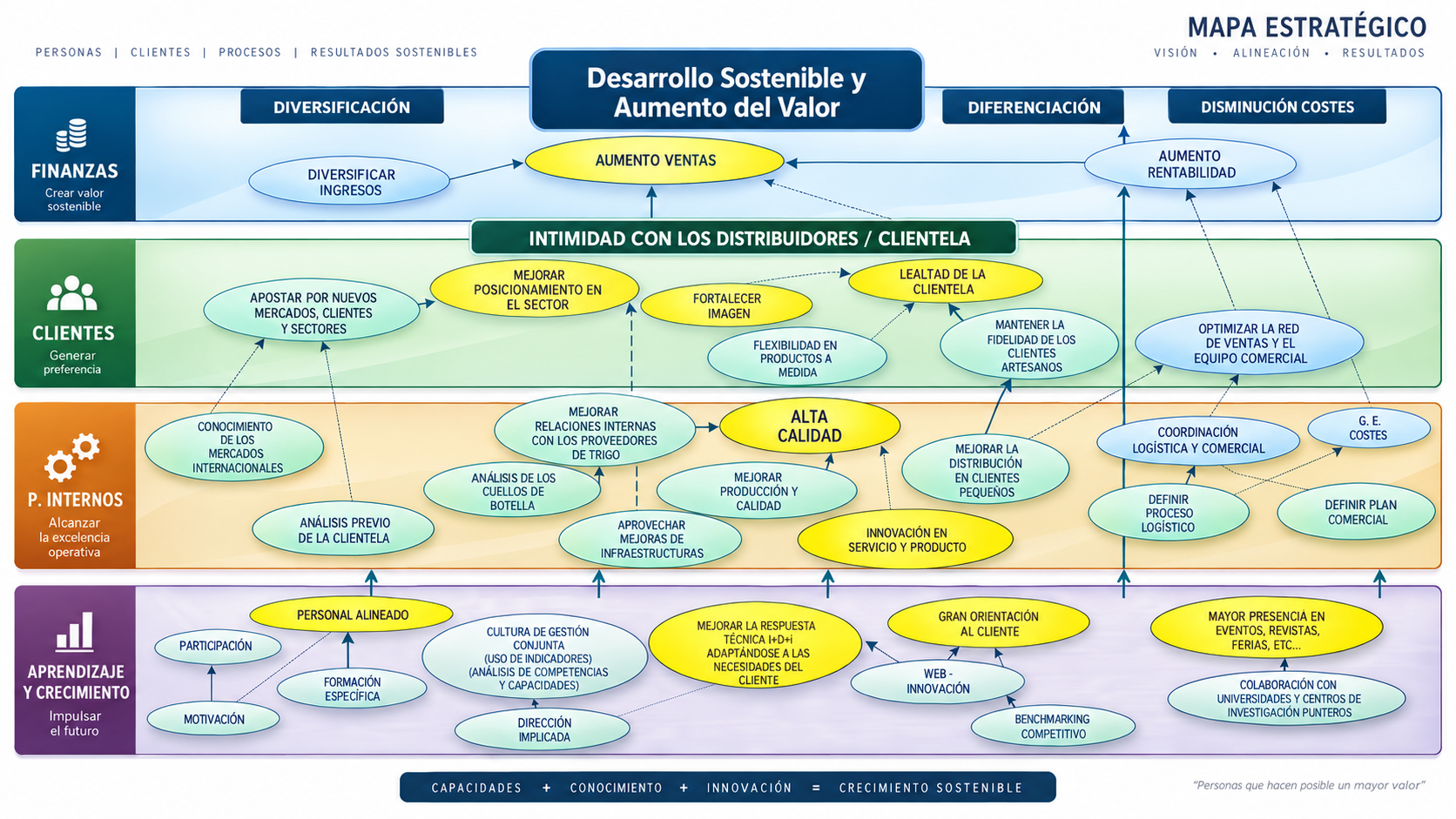
/strategy map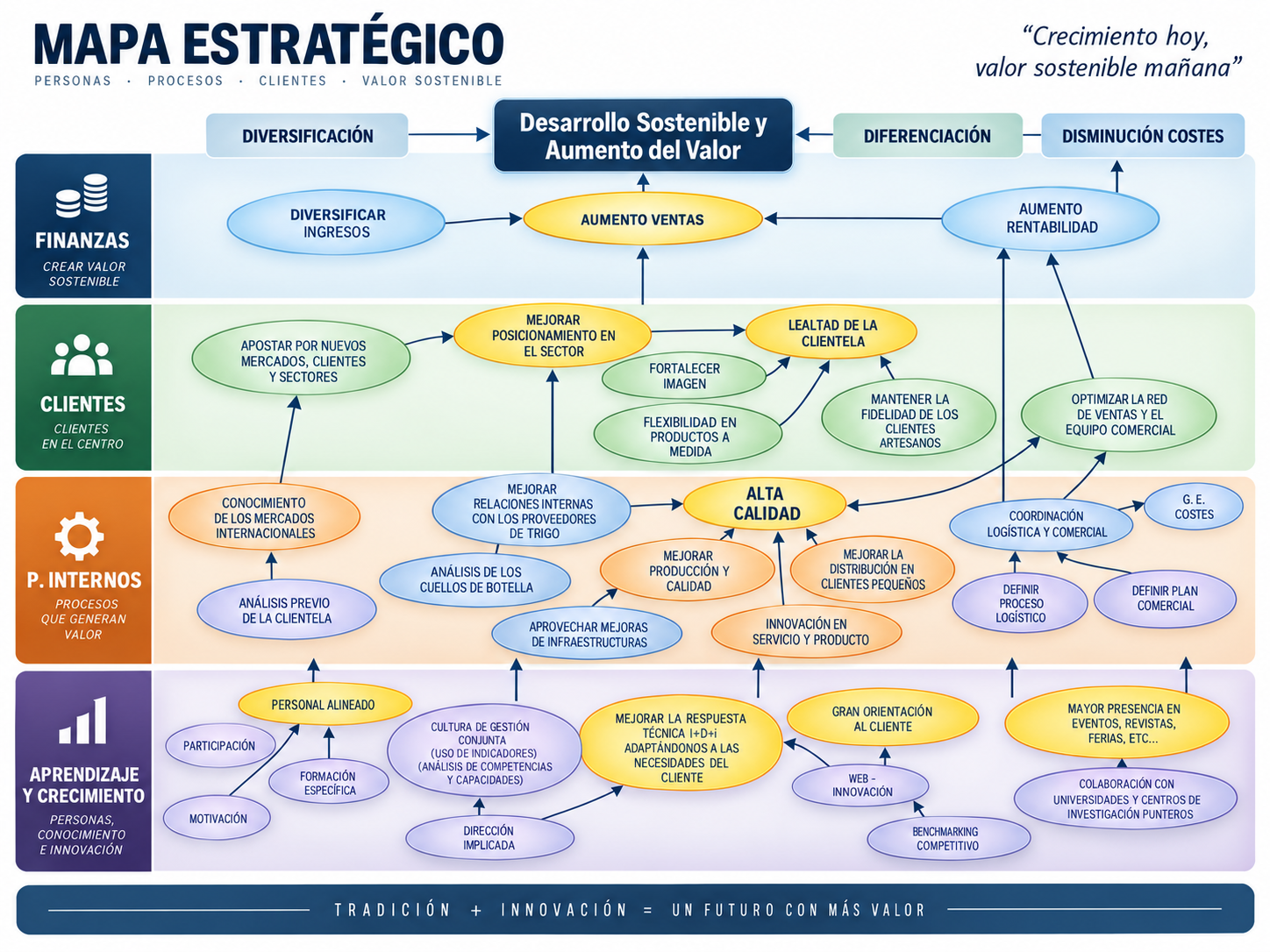
/strategy map + /dashboard infographic + clean corporate + executive presentation style + white background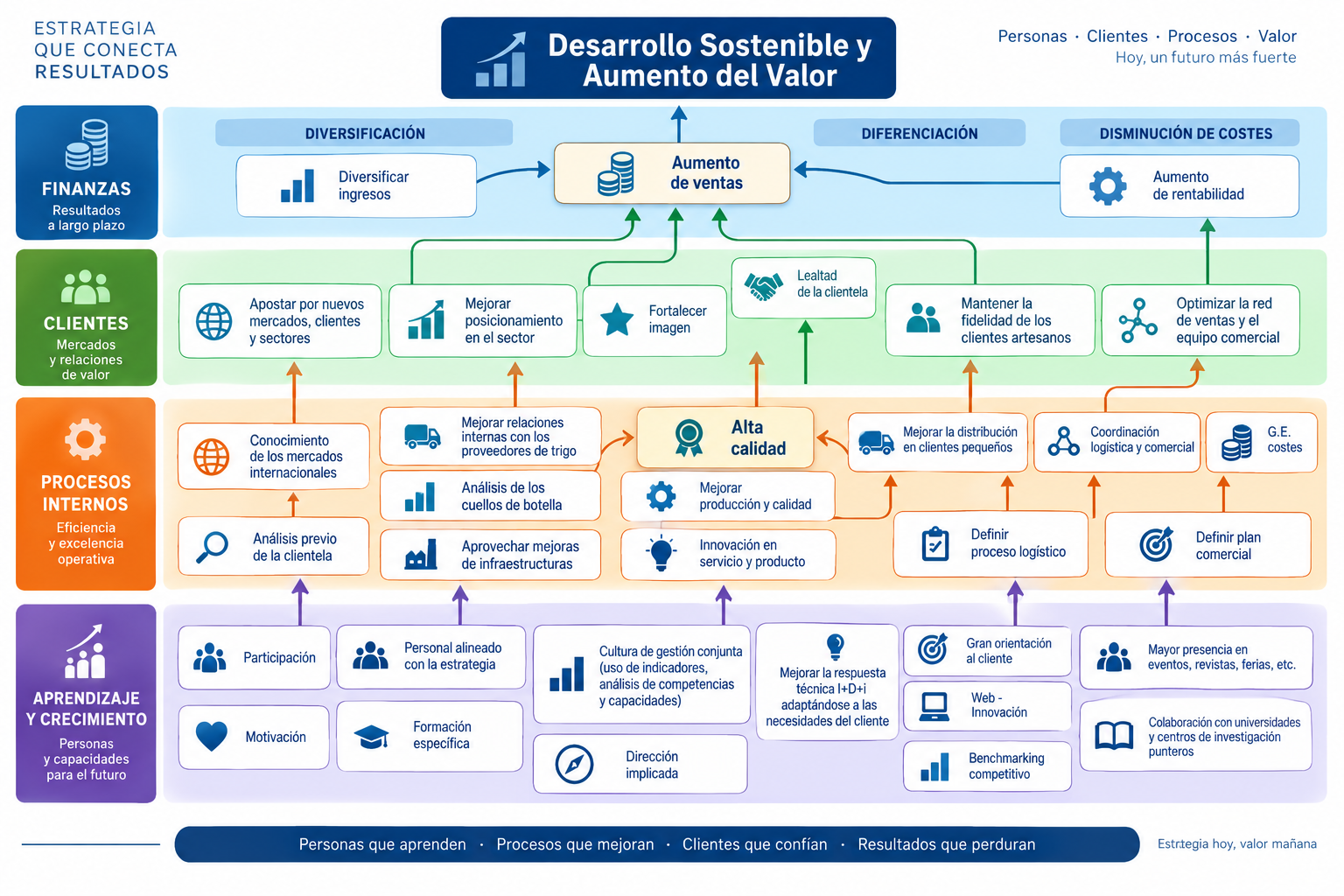
/business infographic + /strategy map + hierarchy + icons + clean layout + white background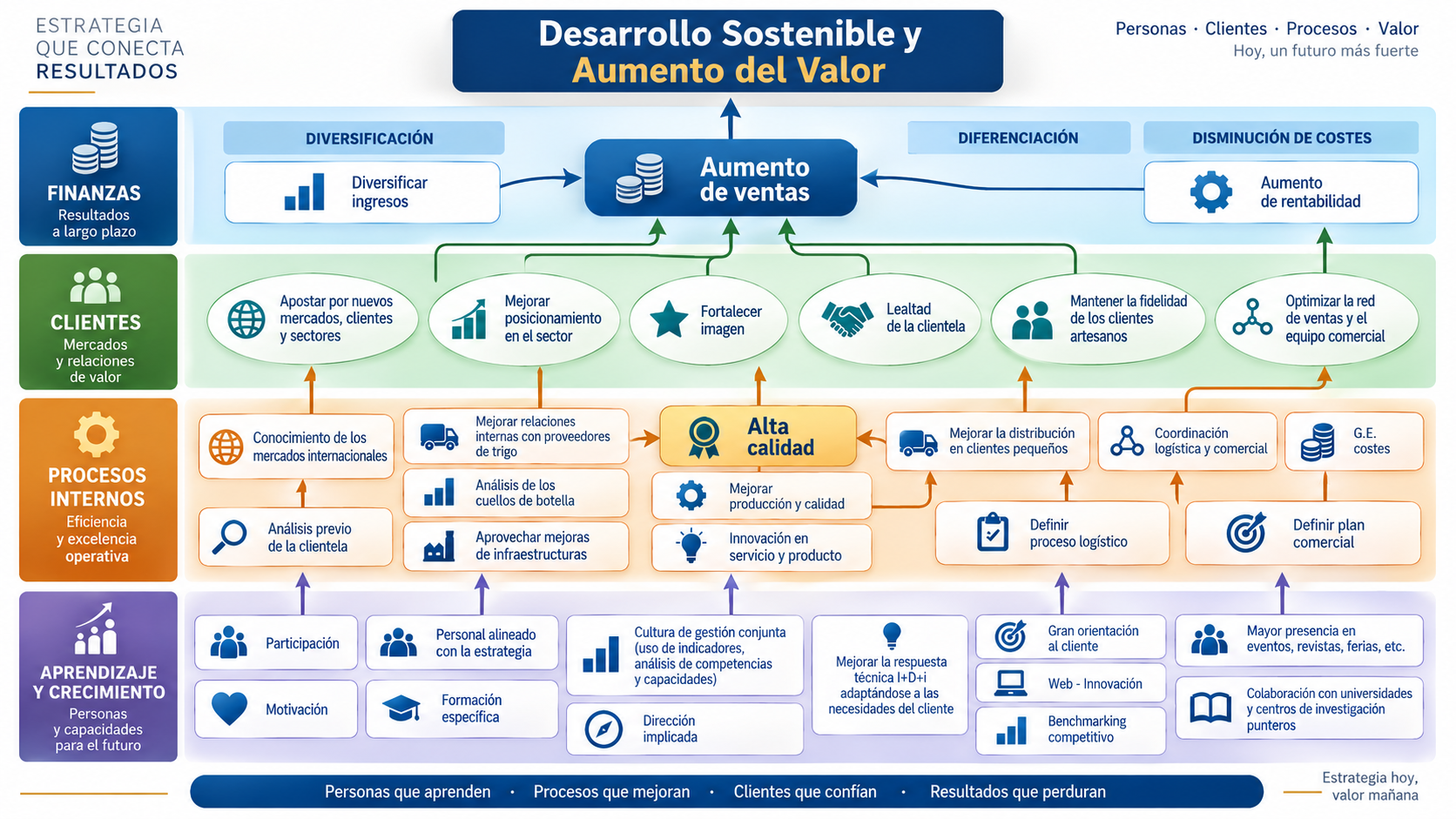
/executive presentation style/strategy map) con modificadores de jerarquía, iconos, limpieza visual y estilo ejecutivo.En una fotografía de paisaje, los comandos visuales pueden cambiar por completo la atmósfera, la escala y el estilo. Aquí partimos del mismo Matterhorn y aplicamos cuatro instrucciones distintas para comparar el resultado.

Haz clic en cualquiera de las imágenes para verla ampliada en una ventana flotante. Así podrás apreciar mejor los cambios de iluminación, escala, atmósfera y tratamiento visual.

/fantasy matte painting + epic mountain + dramatic clouds + golden light + ultra detailed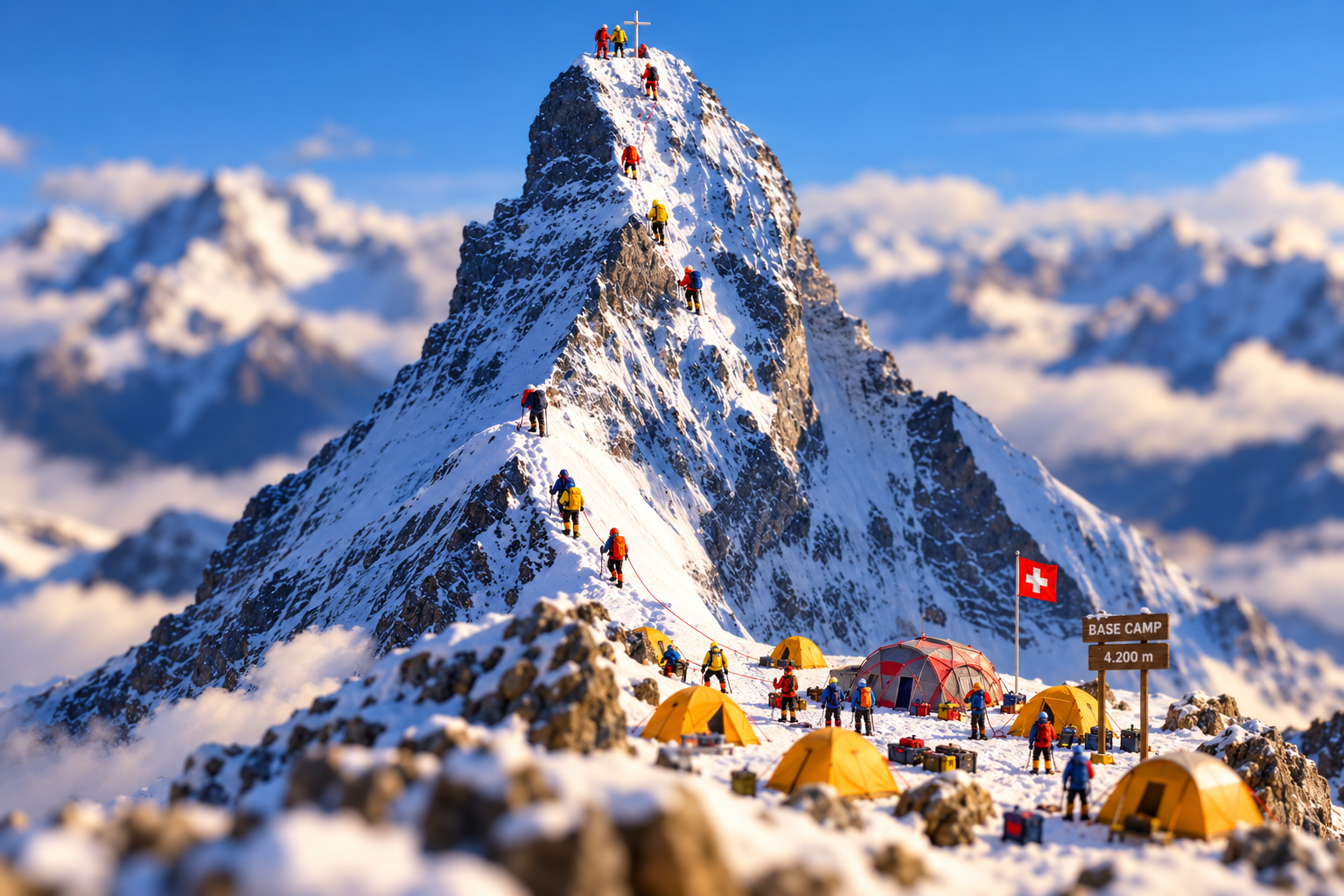
/miniature diorama + tiny climbers + base camp + tilt-shift + ultra detailed
/fantasy matte painting + epic mountain + dramatic clouds + golden light + ultra detailed
/surreal dreamscape + snowy mountain + ethereal atmosphere + glowing sky + cinematic moodPulsa cualquiera para copiarlo.
Sube una imagen y dinos brevemente qué aparece. La web te sugerirá 10 comandos visuales especialmente atractivos para probar con ese tipo de imagen.
Pasa el ratón por cada combinación para ver cuándo utilizarla.
/exploded view + technical illustration + labeled components + isometric view + white background + realistic materials + studio lighting/product shot + black background + dramatic lighting + luxury + realistic reflectionspreserve identity + keep original face + professional headshot + soft studio lighting + clean background/business infographic + clean corporate + hierarchy + icons + white background/dollhouse view + isometric view + architectural visualization + realistic materials/device teardown + exploded view + internal components + technical illustration + numbered parts/16:9 presentation visual + clean corporate illustration + ample negative space for text/restore photo + remove scratches + enhance details + preserve facial identity/academic poster + premium university style + portrait photography + elegant typography/financial infographic + KPI dashboard + clean corporate + data visualization + white background/dashboard infographic + KPI dashboard + strategy map + clean corporate + executive presentation style/visual metaphor + artificial intelligence + business concept + futuristic concept + editorial illustration/transparent view + internal components + product render + realistic materials + studio lighting/assembly sequence + technical illustration + numbered components + instruction manual + white background/before and after + side-by-side comparison + same composition + clean layout/miniature diorama + tilt-shift + tabletop scene + realistic lighting + high detail/blueprint + orthographic projection + dimensioned drawing + technical line art/business report cover + premium corporate + minimal + elegant typography + clean layout/cinematic lighting + wide-angle + dramatic composition + volumetric lighting + photorealistic/social media ad + product photography + clean layout + premium corporate + portrait format